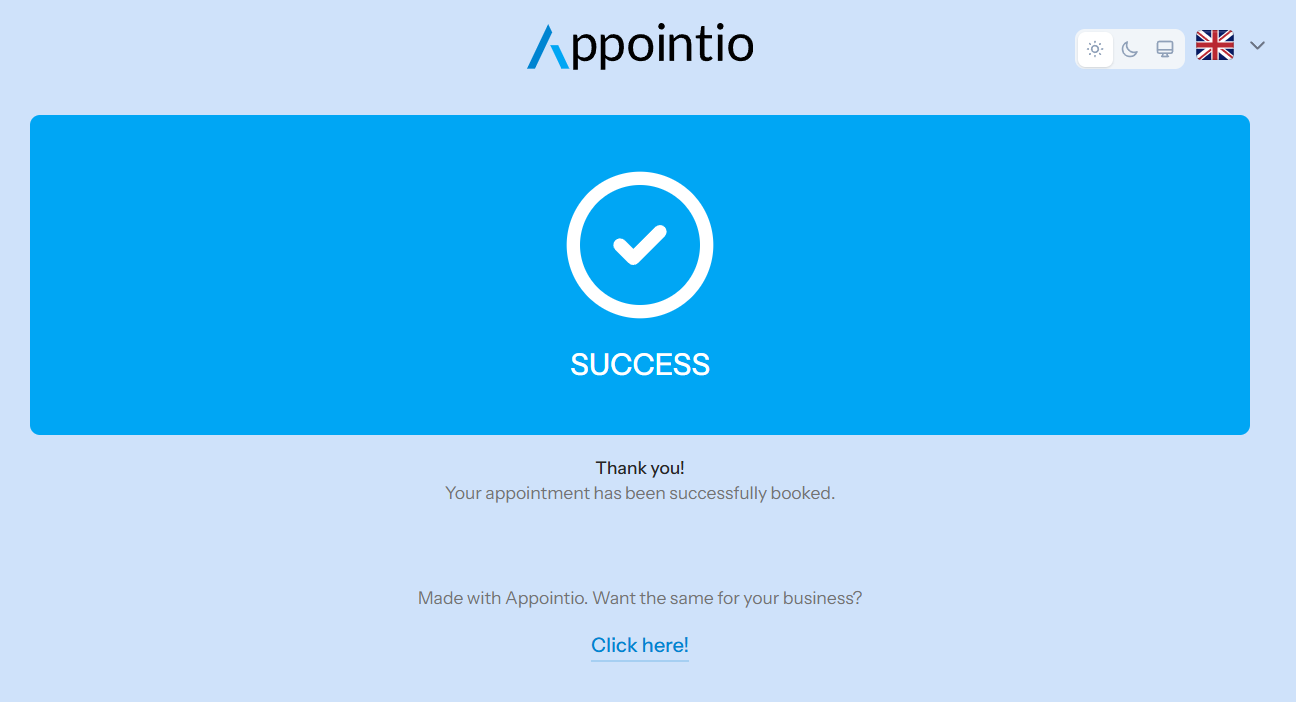
This guide explains how to connect your account to the Teya system and how to manage payments directly from the platform after your bookings.
1. Obtaining Teya API Data and Store ID
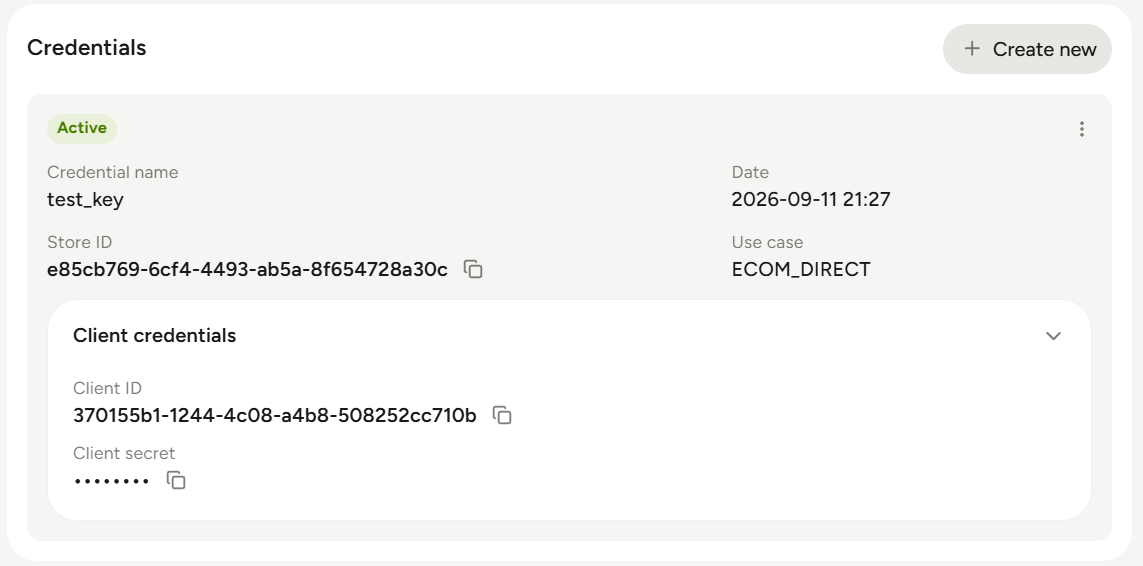
To enable automatic communication between the two systems, you will need the following data from your Teya account:
- Store ID
- Client ID
- Client Secret
- Log in to your Teya account / developer portal.
- Go to Settings > Integrations.
- Create a new API key / application for our platform.
- Copy the generated Client ID and Client Secret.
- Find and copy the Store ID.
2. Connecting Teya to the Platform and Setting Up the Webhook
Once you have the required data, return to our platform to complete the integration.
- Go to the External Applications page.
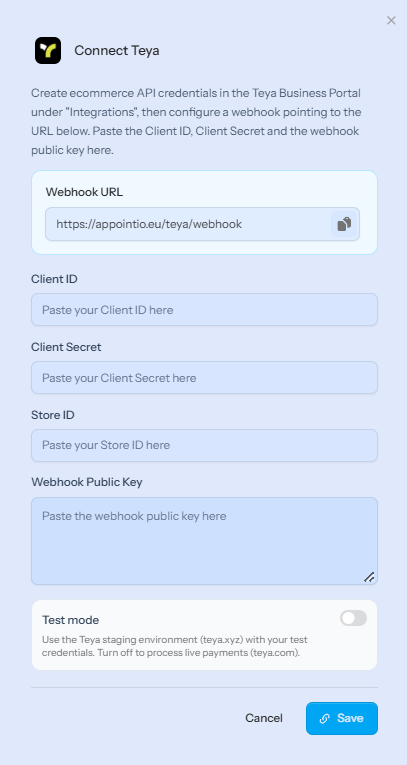
- Find the Teya card and click the Attach API Data button under Teya.
- Fill in the requested fields (Store ID, Client ID, Client Secret) in the pop-up window.
- The pop-up window will display a unique webhook URL associated with your account (
https://appointio.eu/teya/webhook). Copy this URL! - Return to the Teya interface and go to the Webhook settings. Paste the copied URL into the webhook field, then paste the received webhook key into the lower field on our platform and click Save.
- Test mode only needs to be enabled if you want to connect your test account from teya.xyz.
3. Managing Payments from Bookings
After the connection and webhook configuration are complete, the system is ready to handle Teya transactions. To get started, enable the Online Payment option on the configuration page of the desired services.
Important rule:
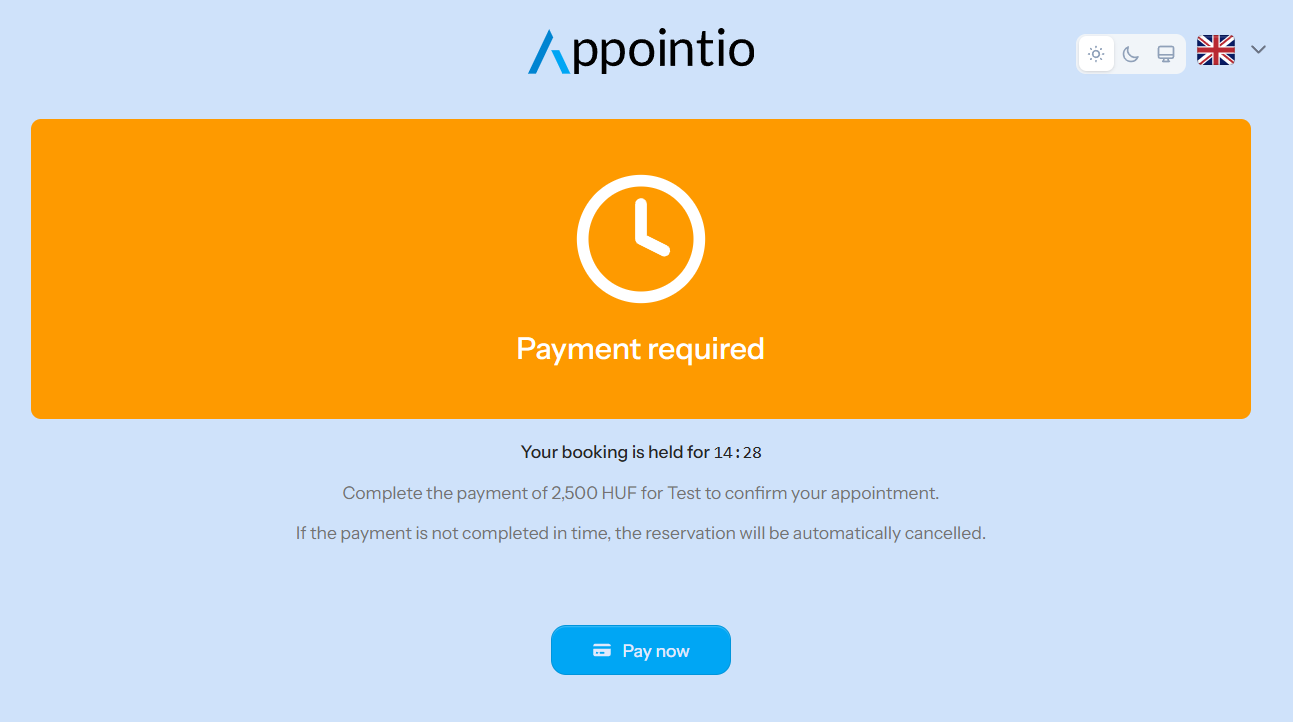
If a Teya transaction fails during booking, customers have 15 minutes to complete the payment. Otherwise, the reserved time slot will be automatically released.
What happens after payment?
In the background, our system immediately sends the data to the Teya system.
- The transaction is initiated and processed through the Teya network.
- Teya automatically sends a notification about the payment status back through the specified webhook URL (
https://appointio.eu/teya/webhook). - The booking status is automatically updated to paid on our platform. You don't have to do anything else!